One of the primary goals of the Fora Health app is to provide an overview of a patient’s health to their healthcare team and clinical researchers. Most of the time information about the patient’s health is collected through the chat interface and asking them about how their healthcare pathway is going, what their symptoms are and whether they have been taking their medication.
Wearable sensors are becoming more and more accessible and popular, and allow a whole host of new data to be collected about a patient. Sensors such as heart rate monitors can be integrated with your watch, activity trackers as part of a bracelet, and other external devices such as smart scales can collect data about your weight and body fat. By integrating Fora Health with such devices we can collect a lot of new data relevant to the patients healthcare, allowing for much more informed conversations between themselves and their healthcare professionals.
One such device is the Biovotion Everion® which can measure a number of different parameters on a second by second granularity giving us medical grade data clinicians can act on. We have recently built support for this device into the Fora Health app.
What does “integrate” mean?
In order to collect the data from the device our app needs to be able to communicate with it. This is done using Bluetooth, which allows us to wirelessly send and receive messages from the device while the user is wearing it.
A large part of the work is encoding and decoding the messages that are sent between the app and the device. Thankfully Biovotion provide all of the code we need to make this job much easier as part of an SDK (Software Development Kit). Our job is to write the code which will use the SDK to allow our app to:
- Connect to a new device
- Set up and configure the device
- Download the data as it’s being collected
- Track the device’s battery level
- Process and store all of the collected information
Making it easy to use (for the user)
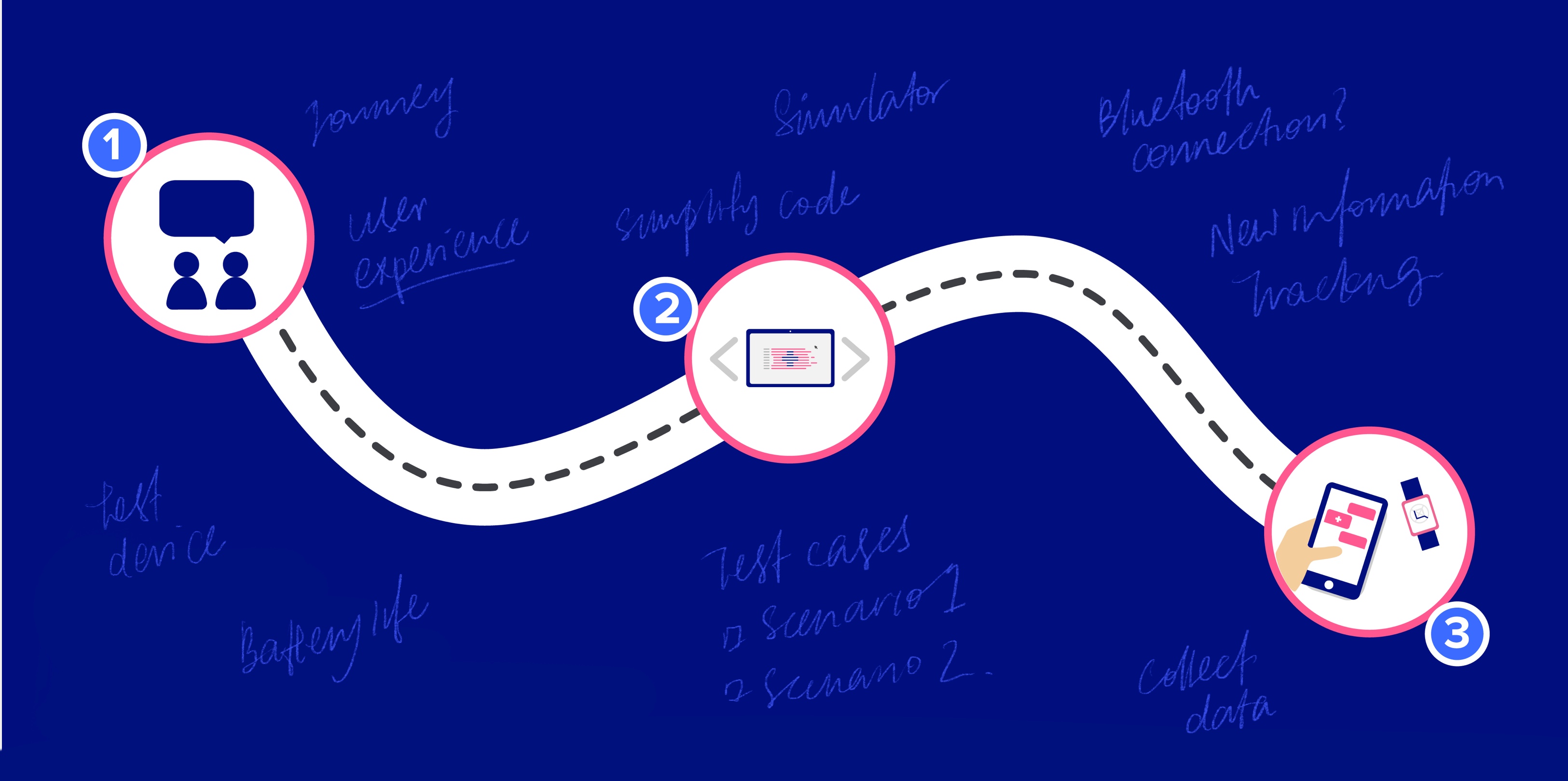
Before even looking at the code we needed to think about how to make the user experience as seamless as possible. Our designers and test engineers spend some time wearing the device themselves, observing what it’s like to use on a long term basis, and researching how other apps interact with the device and display its data.
After thorough research we set to work planning how to make our app as easy as possible to use. One consideration is monitoring the device battery and alerting the user when the battery is running low. Another is thinking about encouraging the user to get into a routine of connecting the device to the app while using other features in the app to minimise any wait time to synchronise the data.
Once the user journey has been mapped out, the assistant’s conversation scripts are written and passed onto the development team to code into the app!
Making it easy to use (in code)
The first part of integrating our app with a third party SDK is to write code which can form a layer between the two. This is important for a variety of reasons.
Firstly, creating this layer allows us to simplify how our app code needs to interact with the device. The device could be used in many different ways, however our app will focus on using particular features in a particular way. For example, we don’t need to display live data, only collect it. By creating a layer which provides a really simple “facade” interface, it keeps our app code clean and easy to understand and hides a lot of the complexity around the communication with the device.
On top of keeping our code clean and easy to understand, it also allows us to test it. Once the details of the third party SDK have been hidden behind our facade, we are able to mimic the behaviour of the device in automated tests. These tests will simulate different scenarios, such as losing connection to the device, or sending a very large amount of data. All of this can be done without a real device, which allows us to ensure our app code handles anything the device can throw at it!
Other considerations
On top of keeping our code clean and robust, we also need to be aware of the effects the device will have on the user’s phone.
Battery life is something we need to be very mindful of as constantly communicating will mean the Fora Health app is always running in the background. In order to preserve battery life we have to be defensive around when we wake up the user’s phone and download data. One such optimisation is to wait for a large chunk of data to be collected before attempting to download and save it. By collecting a larger amount of data less frequently we don’t need to use the bluetooth connection as often, and we can keep the app suspended (not draining any battery) for longer.
By integrating with a wearable device the Fora Health app can become better than ever at serving patients, healthcare teams, and clinical researchers by collecting a lot more interesting information. It’s been a fun challenge for our design and development team, and it’s an exciting feature we can’t wait to see our clients using.